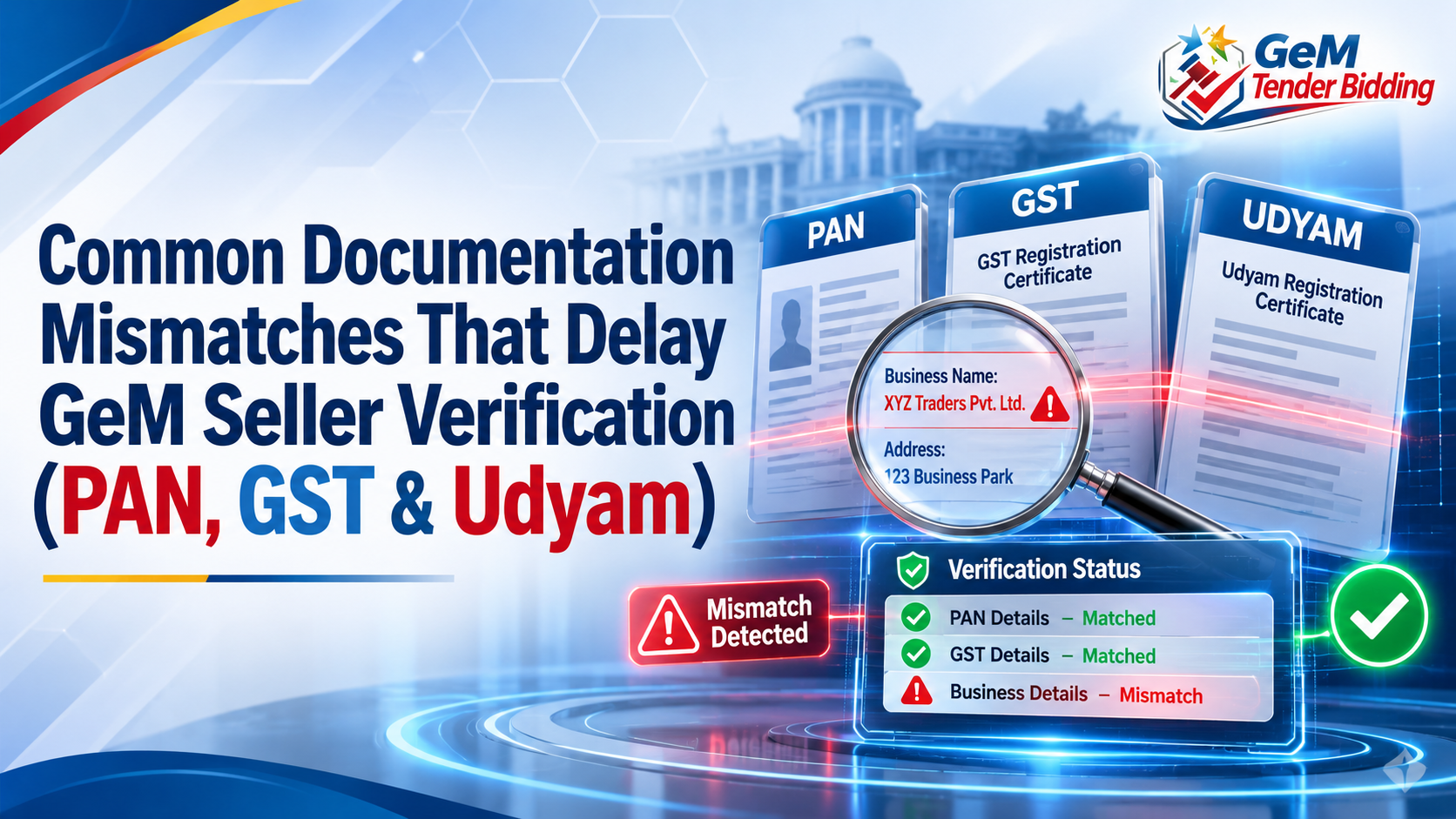
Creating a seller profile on GeM provides businesses with direct access to government procurement at Central and State levels. However, many businesses encounter issues when verifying their seller profiles, with verification errors appearing.
Typically, these delays do not occur due to any complicated policy breaches. In fact, small inconsistencies in documents within PAN, GST & Udyam records cause the issue.
As GeM checks details in real time within Government Databases, even small errors or incorrect addresses in information can cause issues. Below are the most common document inconsistencies that may be causing a delay to your GeM seller verification. We also explain why they can occur, and how to correct them.
Why Document Consistency Matters in GeM Seller Verification
Unlike private e-commerce platforms where documentation is checked manually, GeM uses API connections to verify your seller details. These API connections are made with:
• Income Tax Department (CBDT)
• Goods and Services Tax Network (GSTN)
• Ministry of MSME (Udyam Portal)
When creating a seller profile on GeM, by adding your PAN/GSTIN/Udyam numbers, it will automatically check that the business name, structure, address and authorised signatory details match. If there is any inconsistency between what has been provided by multiple databases, your seller profile will not be verified. This means that you cannot add products, place bids or make claims to MSME benefits.
This is the most common mistake made.
How it Occurs
• For Sole Proprietorships: The proprietor’s name on a PAN card will be the owner’s full name. However, on both GST & Udyam documents, the business name will often be in the form of a Trade Name. For example, “Rajesh Kumar Sharma” on the PAN, compared to “M/s Sharma Enterprises”.
• Spelling Mistakes: Small spelling mistakes in the names, such as ‘Sharma Enterprise’ on Udyam, and ‘Sharma Enterprises’ on GST, or initials missing from the proprietor’s name can cause verification to fail.
Fix
Ensure that the Legal Name on your GST & Udyam documents match the Legal Name on your PAN card exactly. For Sole Proprietorships, GeM will match your PAN with the Legal Name within GSTN. However, it will match your business name with the Trade Name. If the business name on your Udyam certificate is old or slightly differently spelt, please change this within the Udyam Portal, to ensure consistency with GeM.
This commonly causes issues with seller verification within GeM.
How it Occurs
• Old Address within Udyam: Many businesses may have moved offices or premises, therefore it is common to update the address in GST. However, it is easy to forget to update the new address within the Udyam Portal.
• Address Format and Postcodes: Any inconsistency in the format of addresses (floor/plot numbers), area names or postcodes between your GST and bank documents (cancelled cheque/statement) will prevent verification.
Fix
Check that the principal place of business is the same in your GST, Udyam & bank documents. If there are any differences, submit a core or non-core amendment for any differences on the respective portals. Once completed, ensure that all documents show exactly the same address.
Within GeM, businesses are divided by their business structure. For example:
• Sole Proprietorship
• Partnership
• Limited Liability Partnership (LLP)
• Private Limited Company
How it Occurs
If business structure is incorrectly selected during account set up and:
• A Partnership PAN is entered (PAN is in the format XXXXFXXX).
• LLP/ Private Limited Company is registered with a personal PAN (PAN is in the format XXXXCXXX).
• Business has changed structure, but business name has not been updated in partnership deed/company registration.
Fix
Check that the 4 th letter in your PAN is:
• P – Individual/Sole Proprietorship
• F – Partnership or LLP
• C – Company (Private or Public)
Ensure that the business structure selected in GeM, business structure within PAN, GST Registration type and business structure in Udyam match.
If you are setting up a new seller account and want to avoid entity structure errors from the start, explore our step-by-step GeM Registration Services.
Bank accounts must be verified in order to pay for orders and to avoid fraud.
How it Occurs
• Incorrect Account Used: Saving accounts used for Partnership and Private Limited Companies.
• Name of account owner within bank does not match the Trading or Legal name on GST.
• Outdated IFSC Code: Following a merger of banks, the IFSC may be outdated.
Fix
Ensure that a current bank account is used with the business name (legal/trading name) exactly as it appears on your GST certificate. Double check with your bank branch to confirm that you have the current IFSC code to enter in GeM.
Within verification, your main authorised seller is verified with an OTP sent to your Aadhaar / PAN.
How it Occurs
• Person registering in GeM is not listed as Proprietor/Partner/Director on GST or MCA.
• Different phone number or email address in Udyam registration to those registered on GST portal. This causes confusion with OTP verification.
• Date of Birth or name of signatory inconsistent in Aadhaar and PAN.
Fix
Ensure that the authorised signatory in GeM is listed as a Promoter/Partner/Director in your GST & Udyam. Ensure that one mobile number and email address is active in all portals.
Summary Table: Common Issues & Fixes
Documents Issue GeM Impact Fix
PAN & GST Inconsistent Business Structure or Legal Name in GST. Automatic GSTIN verification error. Correct Legal Name in GST or PAN.
GST & Udyam Inconsistent Business Address or Outdated Enterprise Name. MSME benefits & EMD exemptions cannot be claimed. Update address/enterprise name in Udyam. Re-verify in GeM.
GST & Bank Proof Inconsistent Account Name. Bank account verification failed. Open current business account in exact name on GST.
PAN & Aadhaar Inconsistent Authorised Signatory Name/DOB. e-KYC and OTP verification failed. Match KYC details in Income Tax and UIDAI.
Process to Fix Document Inconsistencies
If you are facing delays in verification, follow the steps below to fix document inconsistencies:
o Legal Name
o Trading Name
o Registered Address (and Postcode)
o Business Structure
Once core documents have been verified, it is essential to ensure that your product listings are compliant with guidelines. Read more on why Product Catalogues Get Rejected on GeM here.
Pre Verfication Check
Before beginning/re-submitting verification, double check that the following are correct:
• [ ] The 4 th letter in PAN matches business structure (P/F/C)
• [ ] Legal Names Match in PAN, GST & Udyam.
• [ ] Trading Name in GST Matches Enterprise Name in Udyam.
• [ ] Full address and Postcode match in GST, Udyam & Bank Proof.
• [ ] Current Bank Account is in the exact registered business name.
• [ ] Authorised Signatory is listed in official GST/MCA documents.
• [ ] Mobile Number & Email address is active and able to receive instant OTP.
If you intend to register as a manufacturer rather than a reseller following verification, we recommend reading our article on GeM Vendor Assessment by QCI.
Conclusion
The majority of GeM seller verification delays occur due to simple inconsistencies within PAN, GST & Udyam documents. As GeM confirms business information automatically using Government Databases, ensuring that company name, address, business structure and bank details are all consistent in advance will prevent any delays.
By spending 30 minutes confirming that all statutory documents match, you can avoid any delays in approval. This means that you can begin adding compliant product catalogues and placing bids on relevant government tenders quickly.
For hands-on assistance with bid documentation and ATC compliance once your profile is active, check our GeM Bidding Support Page.